
Stop depending on others to build every website you need.
Learn how to build, customise, and prepare professional WordPress websites for launch, even if you’re starting from zero.
BOUGHT ALREADY? LOGIN TO ACCESS YOUR COURSE
WP Academy gives you practical video tutorials, eight website templates, a training environment, and lessons on moving your website to your own hosting.
- Build different types of websites.
- Practise before buying domain and hosting.
- Learn to customise website templates.
- Learn how to move your website to personal hosting.
CLICK TO ACCESS ALL COURSE ON THIS PLATFORM
You shouldn't have to start from zero every time you need a website.
Good developers charge you really much and claim they do not have time. This is about understanding enough to take control of your own website.
- You don't know where to start, so you keep putting it off.
- You watch tutorials, but can't reproduce the results on your own.
- Domains, hosting, themes, and settings feel confusing.
- You wait on someone else for even small website changes.
- You finished a design, but don't know how to put it online.
Stop just watching. Start building.
WP Academy is designed to help you apply what you learn: follow practical tutorials, then practise on website templates you can customise.
LEARN
Follow practical video tutorials, step by step.
BUILD
Practise by customising website templates.
LAUNCH
Learn how to move your website to your own hosting.
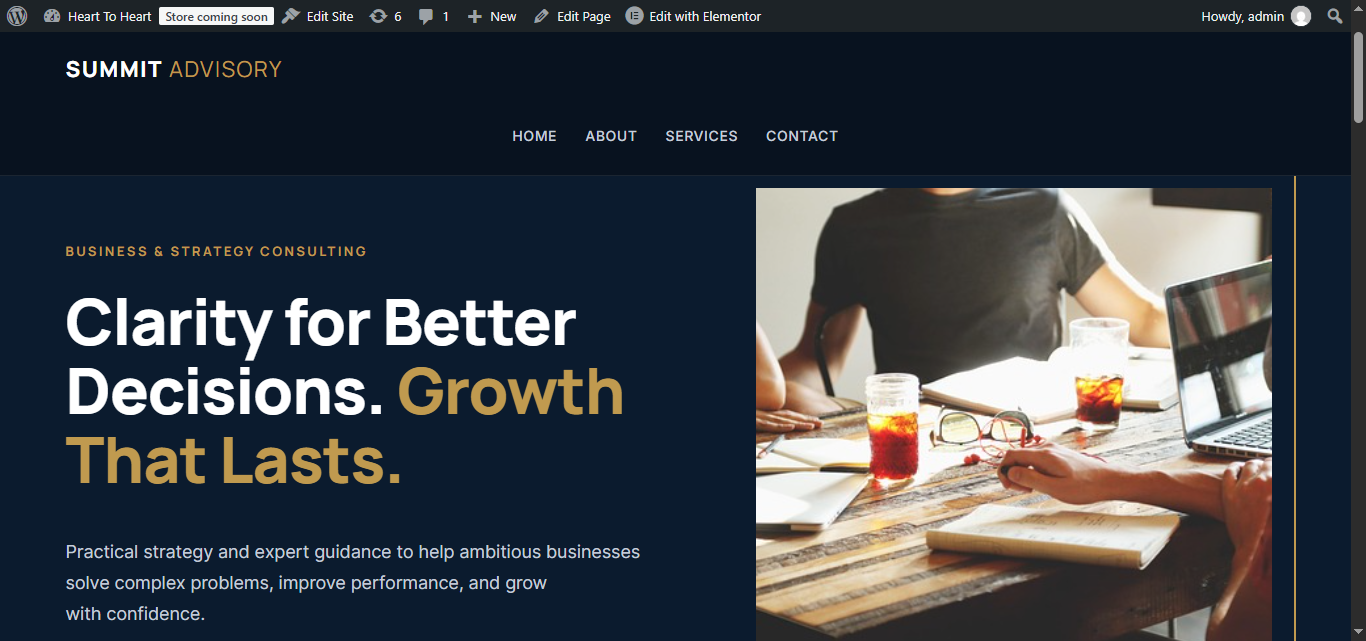
8 website starting points. More ways to put your skills to work.
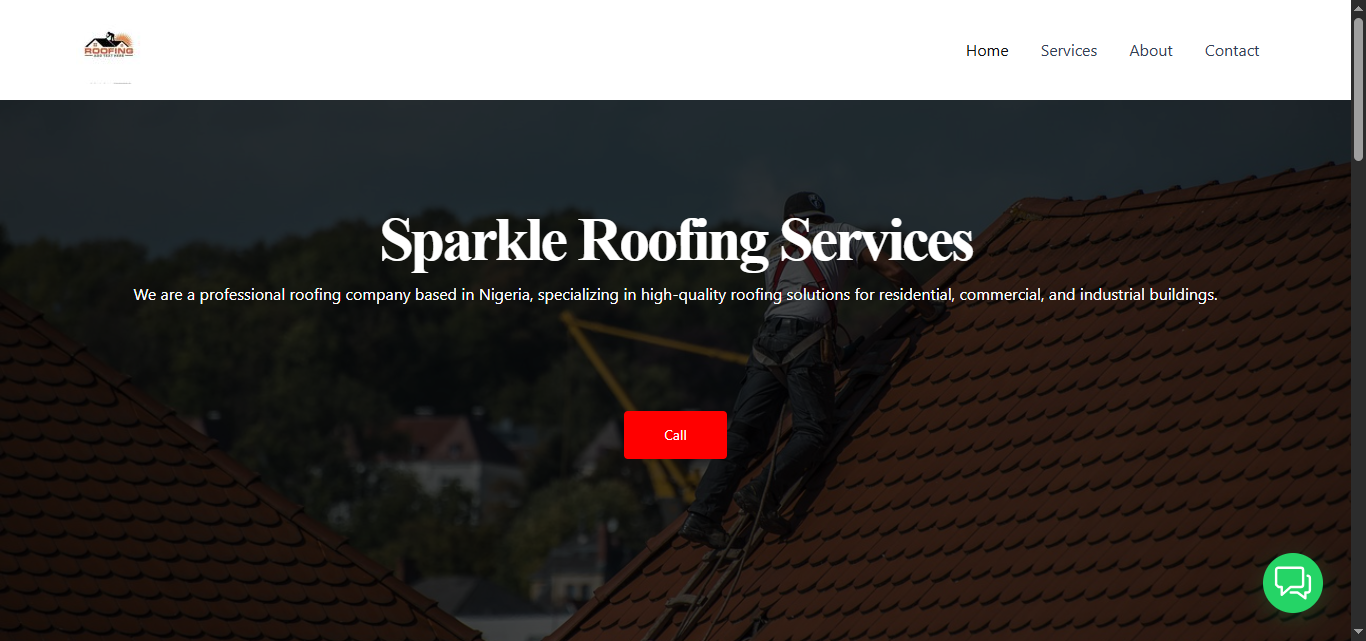
General Business
A clean, professional layout for service businesses and consultants.
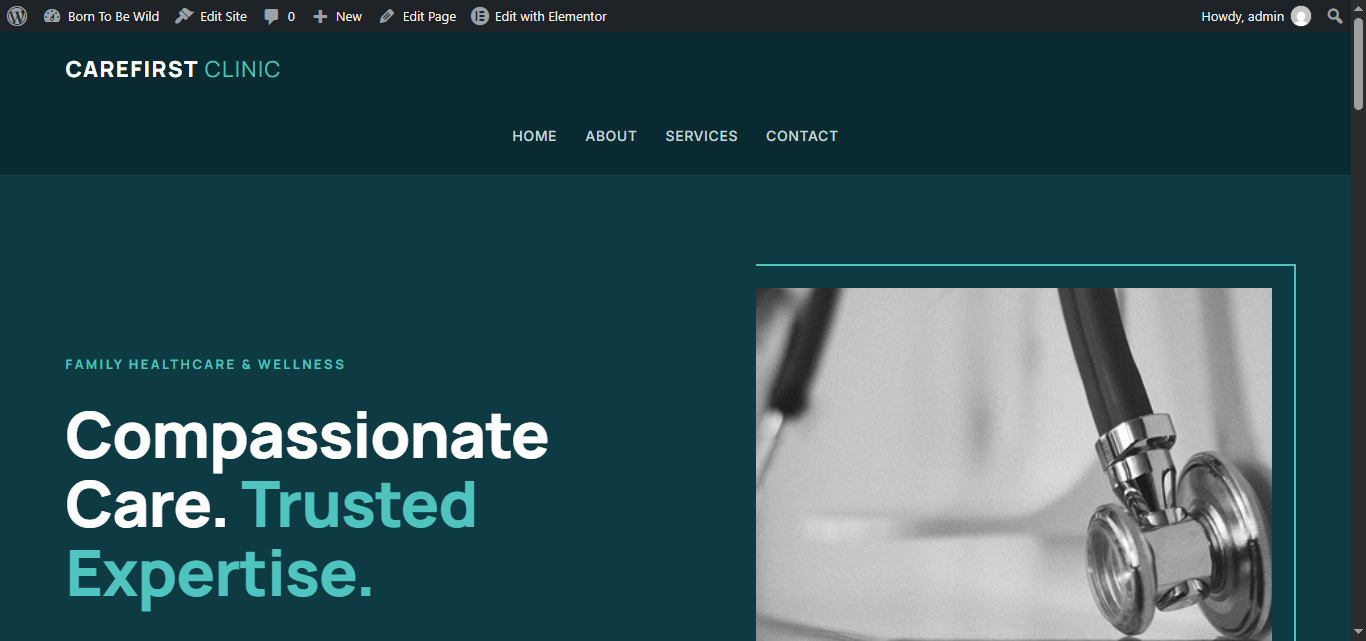
Clinic
A calm, trustworthy design for clinics and healthcare practices.
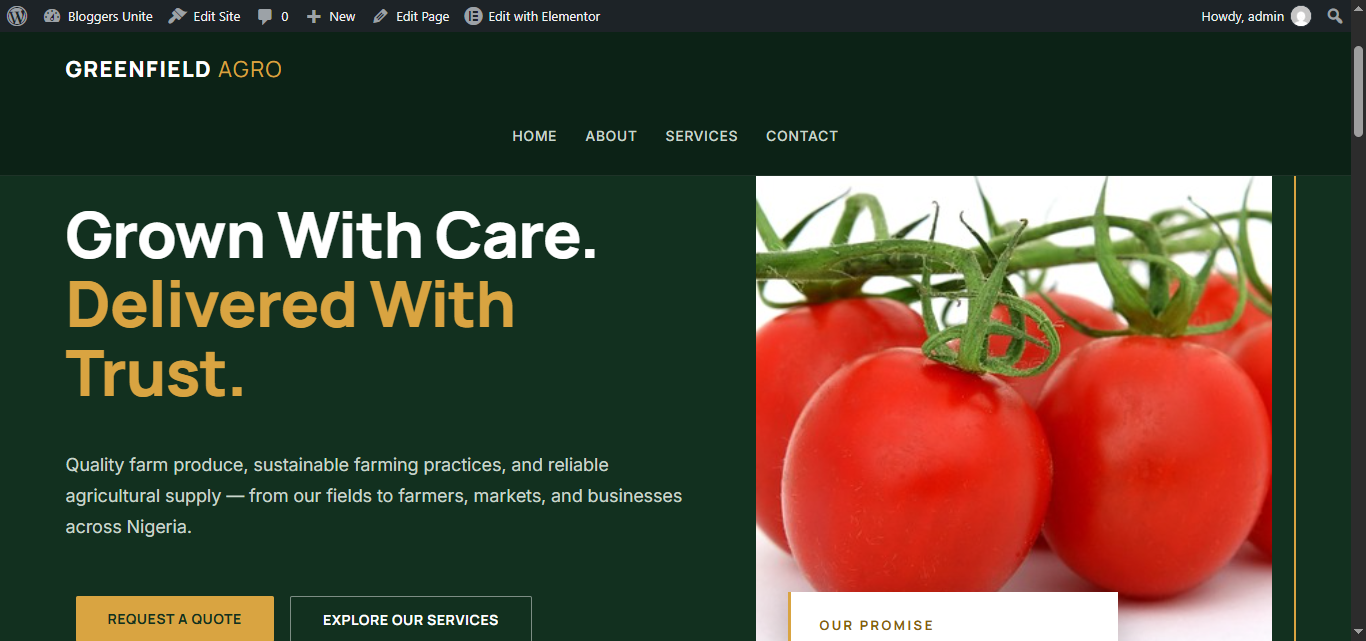
Agriculture
A fresh, earthy layout for farms and agribusinesses.
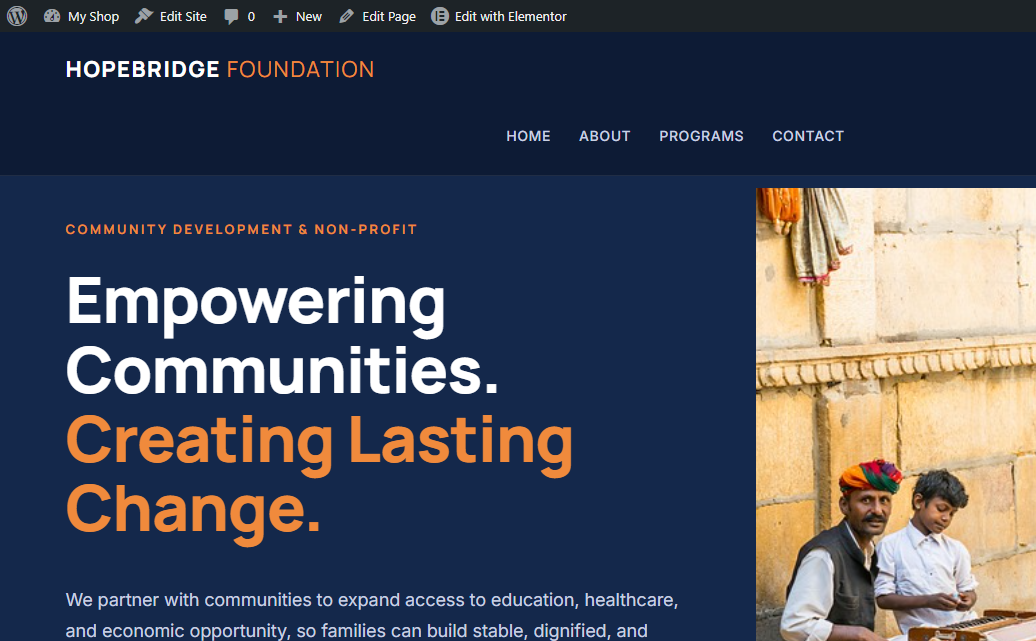
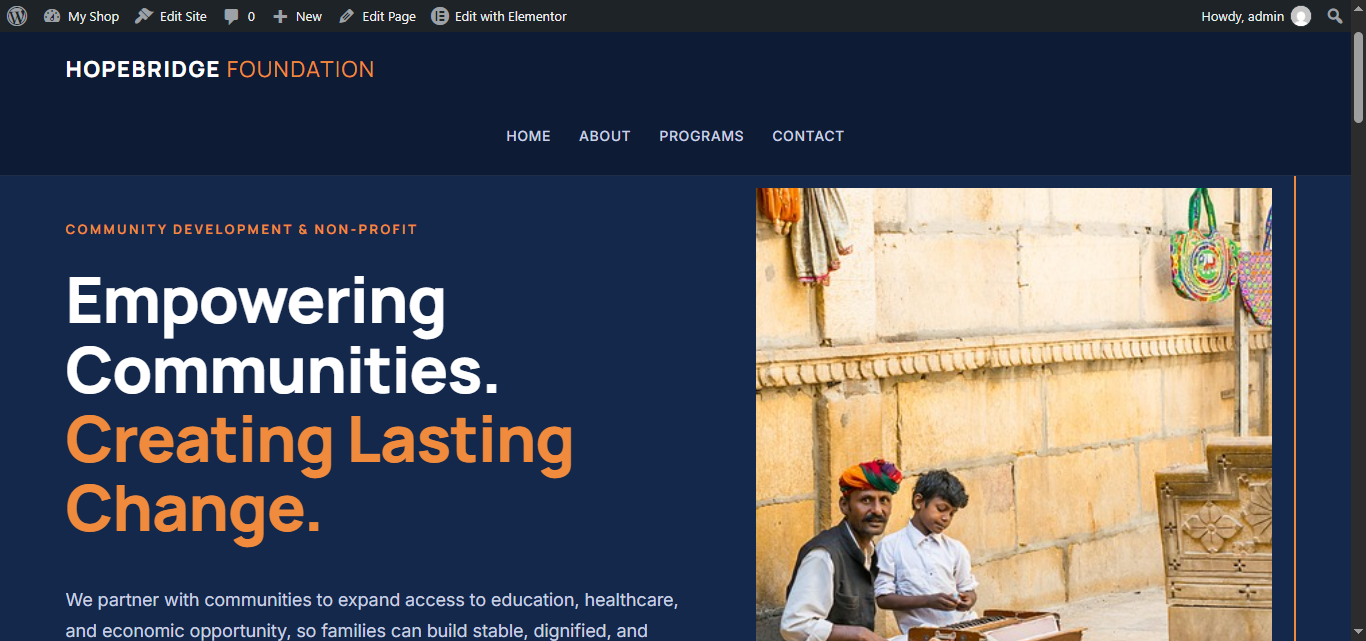
NGO
A warm, purposeful design for non-profits and community projects.
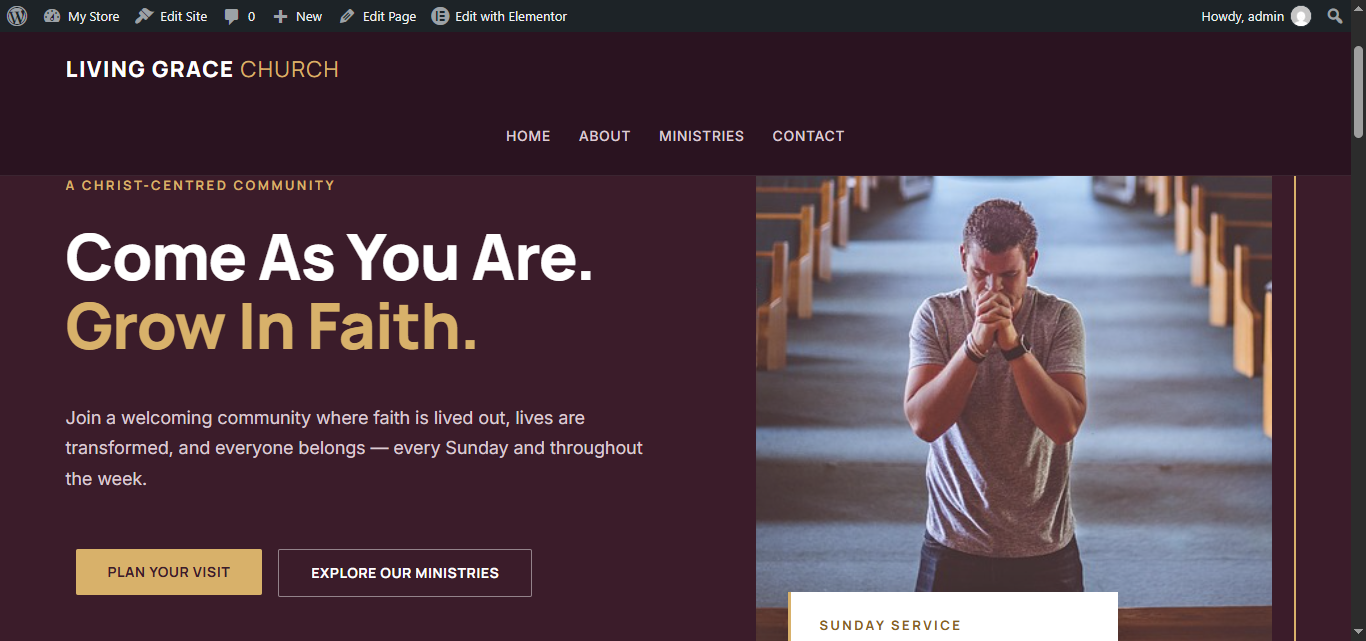
Church
A welcoming layout for churches and faith communities.
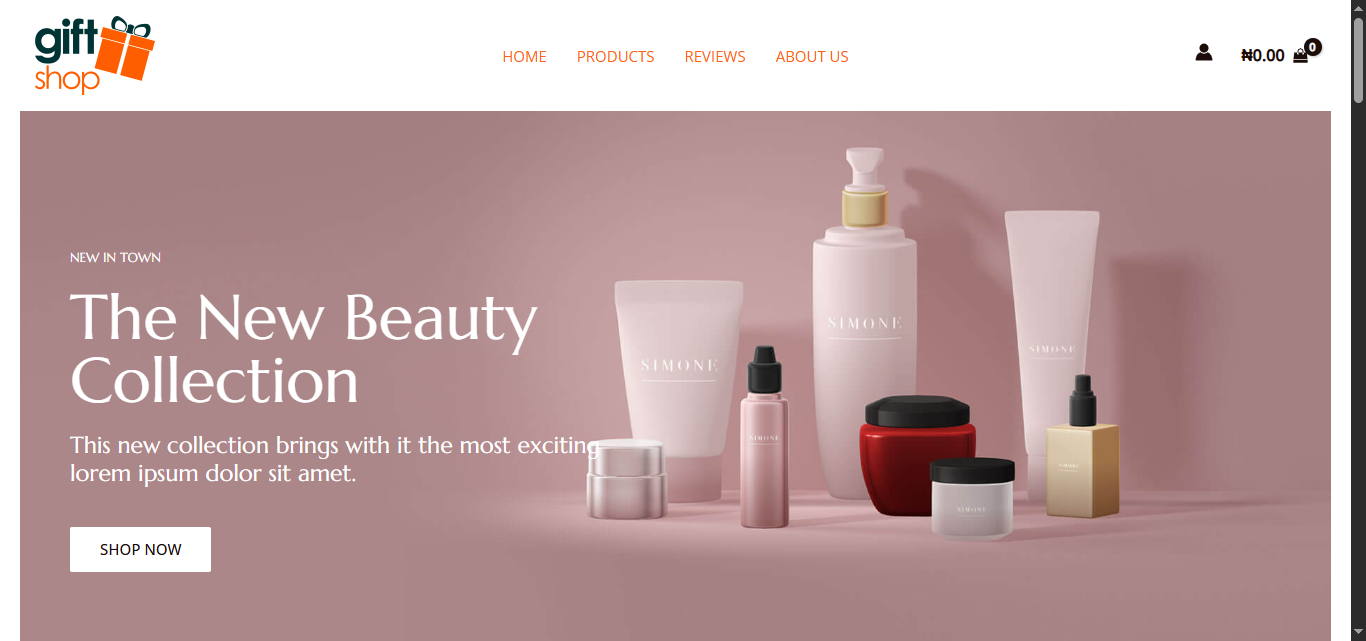
E-commerce
A product showcase where customers place orders through WhatsApp.
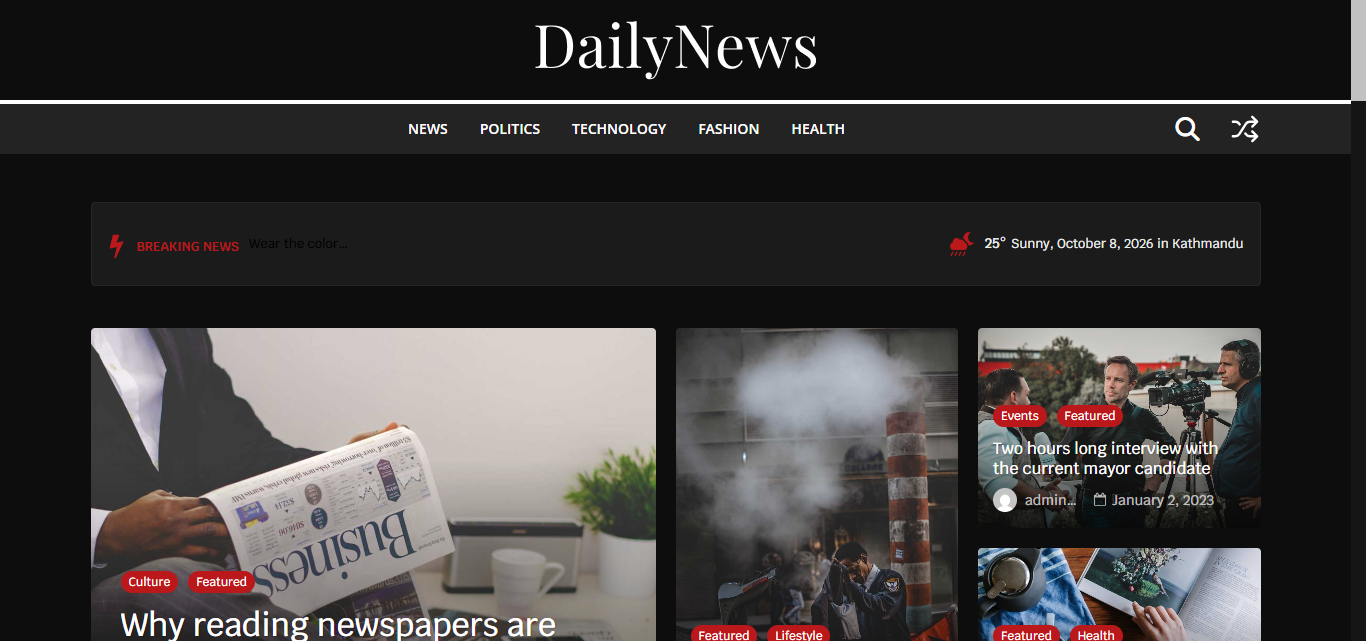
News
A magazine-style layout for news and content websites.
Portfolio / Personal Brand
A sleek showcase for freelancers, creatives, and personal brands.
These templates are starting points. You’ll learn to install them and customise the text, images, and colours with your own content before publishing.
Practical skills you can apply.
Business websites
Build a professional business website, step by step.
News and magazine sites
Create a clean, magazine-style website for news and articles.
WhatsApp e-commerce
Set up a store where customers view products and order on WhatsApp.
Install templates
Import a template and make it your own.
Edit with confidence
Change text, images, colours, sections, and menus yourself.
Domains and hosting
Understand how they work before you spend money.
Practise first
Build in a training environment before buying hosting.
Move to your hosting
Take a website from practice to your own hosting.
Promote from your phone
Bonus lesson: run ads to a website or WhatsApp using only a phone.
Don't just build a website. Learn how to get it online.
Building a website in a training environment is different from launching it on your own hosting. The tutorial walks you through the process: backups, files, databases, domain configuration, hosting settings, and checks after the move.
PRACTICE ENVIRONMENT
Build and test safely.
BACKUP
Save your files and database.
PERSONAL HOSTING
Set up hosting and domain settings.
LIVE WEBSITE
Check that everything works.
Every website and hosting setup is different, so some troubleshooting is normal. The tutorial shows you what to check and how to approach problems.
Start learning before buying domain and hosting.
The provided training environment lets you start practising right away, so you can learn, make mistakes, and improve before you spend money on your own domain and hosting.
- Start practising straight away.
- Try things out without touching a live website.
- Buy your own hosting when you're ready to launch.
Everything you need to start you do not need to buy anything to practise.
Who should join?
Beginners
You want to learn WordPress and need a clear place to start.
Business owners
You want more control over your business website.
Students and professionals
You're building practical digital skills.
Freelancers
You're exploring website-building as a service.
Entrepreneurs
You want to understand how websites actually work.
Project builders
You're building a site for a personal or organisational project.
This training takes practice. It teaches practical skills, not a shortcut to income. Your results depend on how much you practise and apply what you learn.
Look at what you get for ₦2,999.
- Practical WordPress video tutorials
- Eight website templates
- Website customisation lessons
- Business website tutorial
- News website tutorial
- E-commerce website with WhatsApp ordering tutorial
- Practical training environment
- Website migration tutorial
- Website promotion bonus
What learners ARE sayING
Chioma, small business owner
Tunde, student
Learn by doing, one step at a time.
OUR BUILD-IT-YOURSELF GUARANTEE
Buy the tutorial. Follow the lessons. Put your skills to the test. If you follow the tutorials and still cannot build the website as taught, show us what you tried and let us verify the issue. We'll refund your ₦2,999 and pay you an additional ₦2,000 as compensation for your time. That's ₦4,999 back to you if your valid claim meets the guarantee conditions. Learn with confidence. Your goal is to build — and we're committed to helping you get there.
Your next practical digital skill starts here.
- Practical WordPress video tutorials
- 8 website templates: general business, clinic, agriculture, NGO, church, e-commerce, news, portfolio
- Website customisation lessons
- Business, news, and WhatsApp e-commerce tutorials
- Practical training environment
- Website migration tutorial
- Website promotion bonus
You’ll be taken to the checkout page to complete your purchase.
After making payment you will be automatically redirected to login
Frequently asked questions
Yes. The tutorials are practical and step by step, so you can follow along even if you’re starting from zero.
No. You’ll work with WordPress and visual editing tools, so coding isn’t required to get started.
No. You can start practising in the provided training environment and buy your own domain and hosting when you’re ready to launch. [ the training enivroment information is given in the tutorial]
General business, clinic, agriculture, NGO, church, e-commerce, news, and portfolio / personal brand. They’re starting points you customise, not finished websites.
Yes. You’ll learn to install a template and change its text, images, colours, sections, and menus.
Yes. A tutorial covers moving a website from the training environment to personal hosting, including backups, files, databases, domain configuration, hosting settings, and checks afterwards. Every setup is different, so some troubleshooting may be needed.
Yes. You’ll learn to create an online store where customers view products and place orders through WhatsApp.
Yes, the skills apply to building websites for others, including as a freelancer. Finding customers and pricing your work are up to you.
No one can promise that. WP Academy teaches practical skills. Your results depend on your practice, how well you apply what you learn, demand, and your ability to find customers.
After payment you will be redirect to login.
You can keep watching others build websites, or start learning to build your own.
Start with practical lessons, build from website templates, and learn how to take your website towards launch.
© 2026 WP Academy. Prices are in Nigerian Naira (₦). | this idea is by Miracle Digitals LTD.
₦2,999